Join-In Pro Access Methods

Interact using the method that works for you

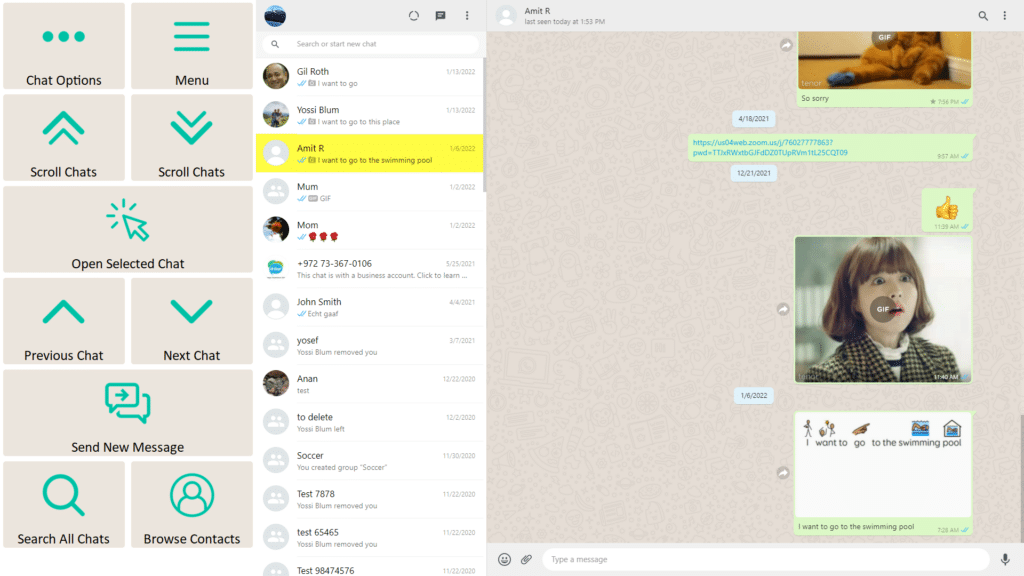
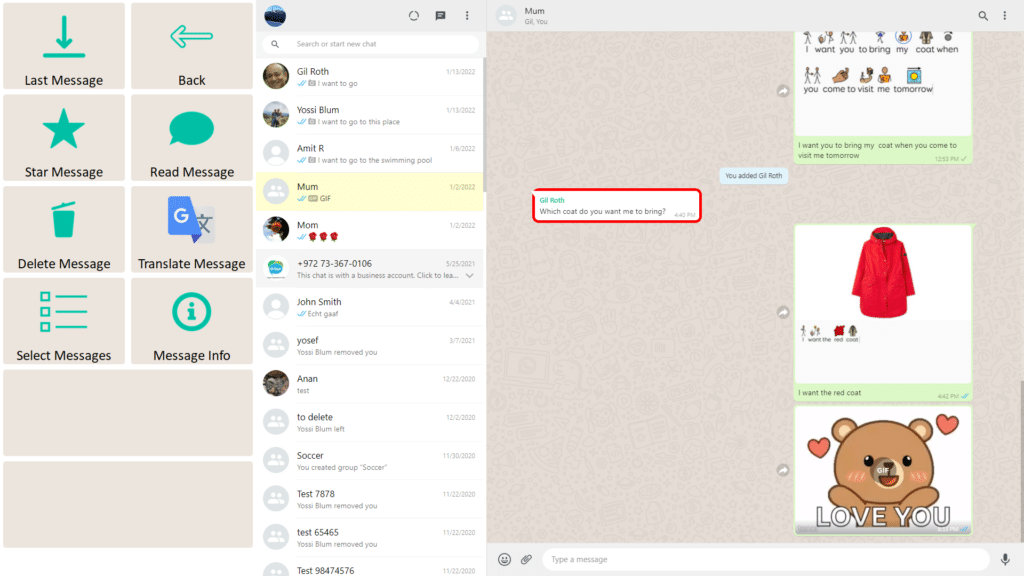
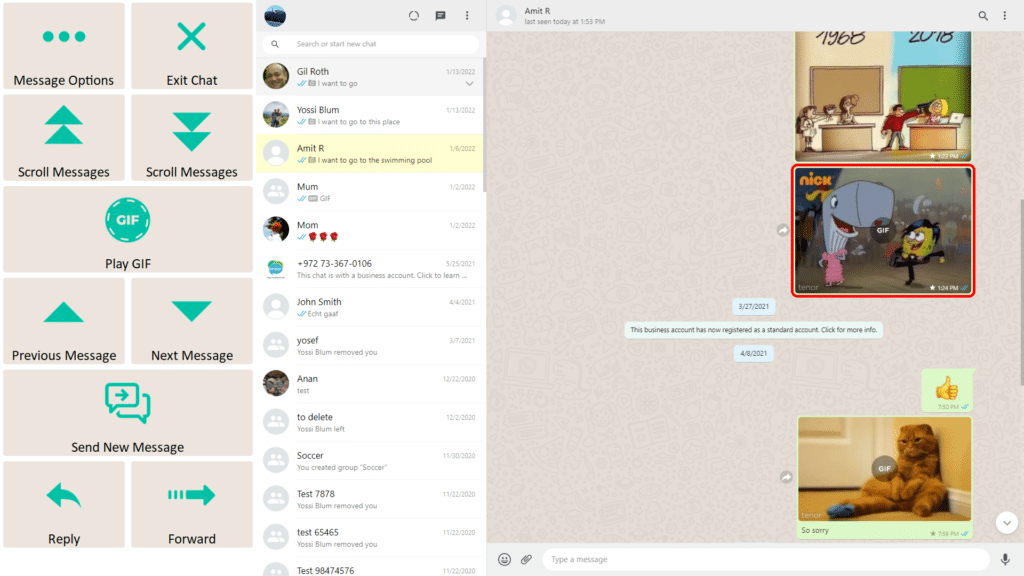
Join-In Pro supports multiple access methods, allowing users to interact with digital environments using tools that match their physical abilities and preferences.

These access methods work across supported apps, helping maintain consistent interaction patterns regardless of how users access the system.

Supported access methods include: Eye gaze, switch scanning, mouse and other pointers, and touch access.

These methods allow users with different motor and sensory abilities to participate in communication, learning, and everyday digital activities.

Click here to learn how to set up your access method.

Access Methods

Join-In Pro works with a range of access methods to support different physical abilities and preferences

Eye Gaze

Control apps using your eyes. Large, predictable targets and structured navigation make digital activities easier to access.

Switch Scanning

Navigate and select using one or more switches. Structured controls and scannable browser windows simplify access to websites and apps.

Mouse & Pointer

Use a standard mouse or alternative pointing devices, including head pointers and adapted mice, to access all supported activities.

Touch

Interact directly with the screen using touch. Large buttons and consistent layouts support accurate, confident selection.

Understanding Word Lists

Flexible and personalized content
The Word Lists system makes it easy to create, organize, and update personalized content.

Image-supported entries

Add pictures to support recognition and choice-making (when connected to a Join-In Pro account)

Fast editing

Update names, messages, links, or content easily

Automatic image resizing

Images are resized and optimized by the system

Local storage

Content can be saved on the device

Cloud synchronization

Content can sync through a Join-In Pro account

Team updating

Users, caregivers, therapists, and support teams can help keep content current

This helps ensure that stored content remains relevant, meaningful, and easy to access.

Learning Resources

Downloads

Frequently Asked Questions

Can I send voice messages?

Answer

Answer

Answer

Cookie settings
We value your privacy
We use cookies to enhance your browsing experience, serve personalised ads or content, and analyse our traffic. By clicking "Accept All", you consent to our use of cookies. Cookie Policy