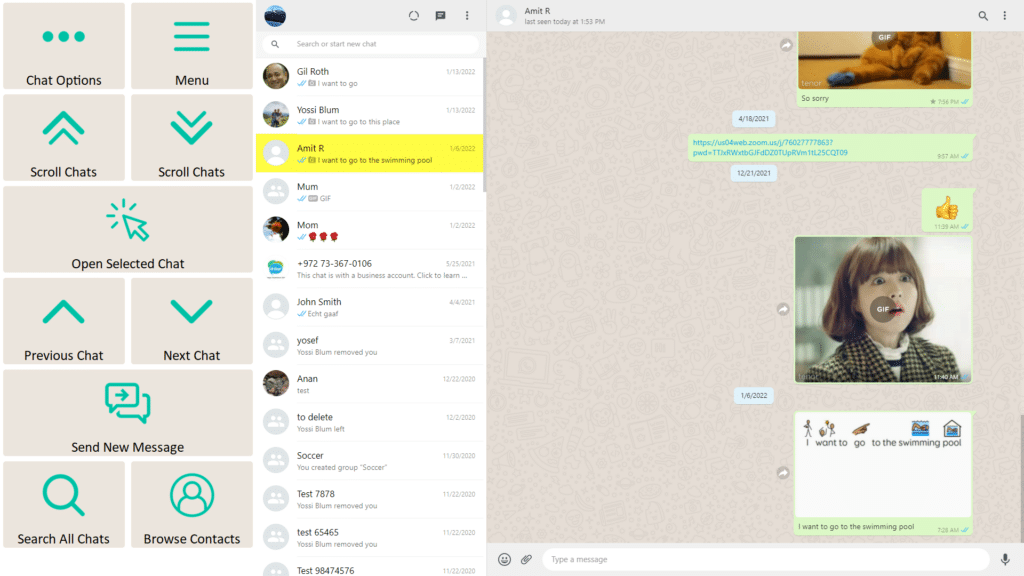
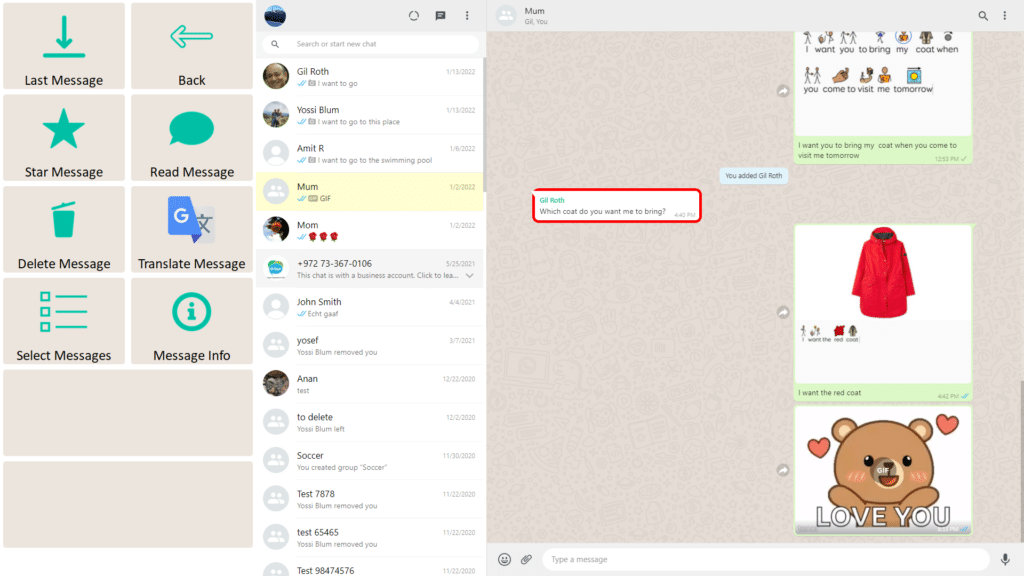
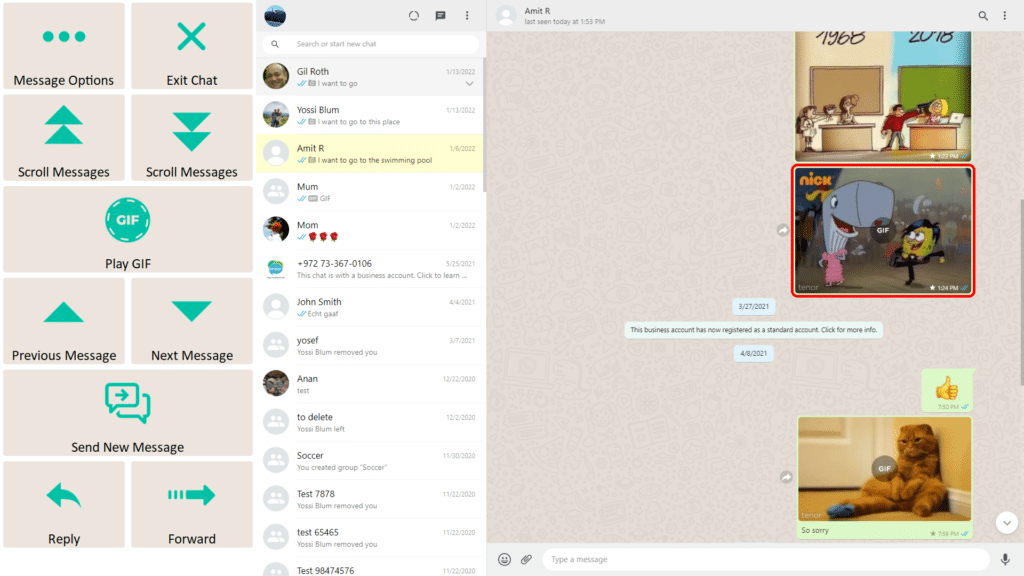
Using an app or website doesn’t mean face-to-face communication stops. While browsing, watching a video, writing a message, or completing a task, users may want to ask a question, make a comment, respond to someone nearby, or join a conversation.
Quick Talk provides instant access to the user’s preferred communication method — whether that’s their AAC software or one of the Join-In Pro keyboards — without interrupting what they’re currently doing.
Users can choose to display Quick Talk as a permanent button across all supported apps and websites, making communication available whenever it’s needed.
Users can open Quick Talk in two ways:
From the Join-In Pro App Explorer before launching an app.
Directly from any supported app using the permanent Quick Talk button on the toolbar.
When the toolbar button is enabled, communication is always just one selection away.
Configure the Toolbar Button
The bottom toolbar can include a permanent Quick Talk button, making communication available from every supported application.
Once enabled, the button appears across supported apps, allowing users to instantly switch to their AAC system or Join-In Pro communication keyboard and then return to exactly what they were doing.
Why use Quick Talk?
Communicate without leaving the current app.
Ask questions or respond to people nearby.
Make comments while browsing, watching videos, or completing tasks.
Move naturally between digital activities and face-to-face communication.
Return immediately to the original activity.
Quick Talk makes it easy to stay connected — not only to what’s happening on the screen, but also to the people around you.
We value your privacy
We use cookies to enhance your browsing experience, serve personalised ads or content, and analyse our traffic. By clicking "Accept All", you consent to our use of cookies. Cookie Policy
Customise Consent Preferences
We use cookies to help you navigate efficiently and perform certain functions. Manage each category below.
NecessaryAlways Active
Active
Analytics
Metrics like visitors, bounce rate, traffic source, etc.