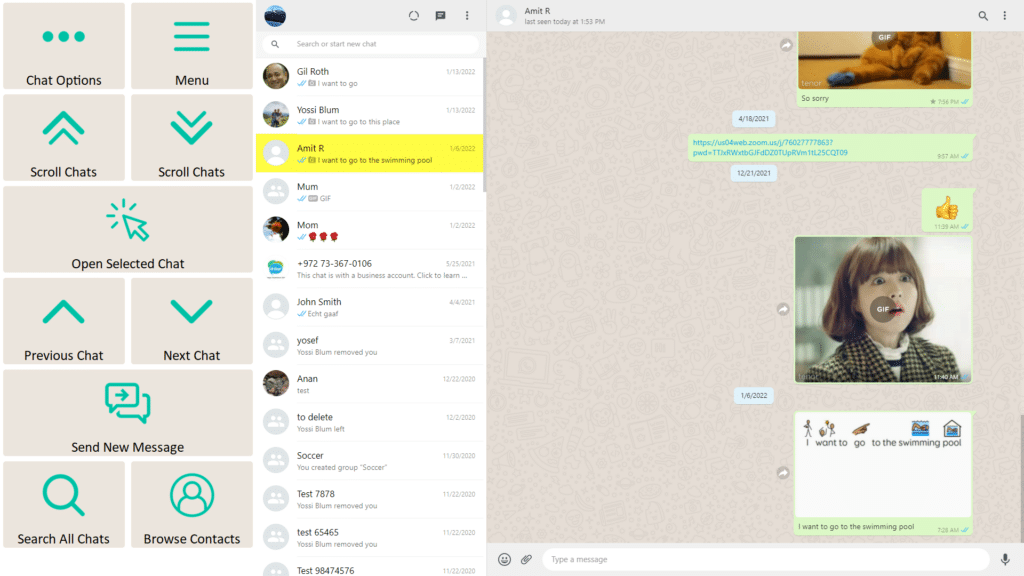
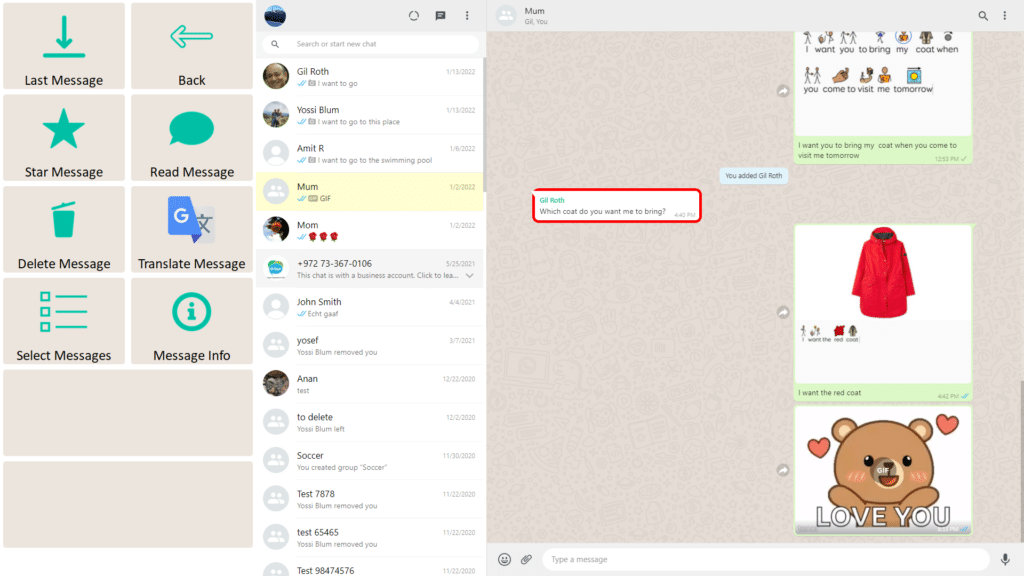
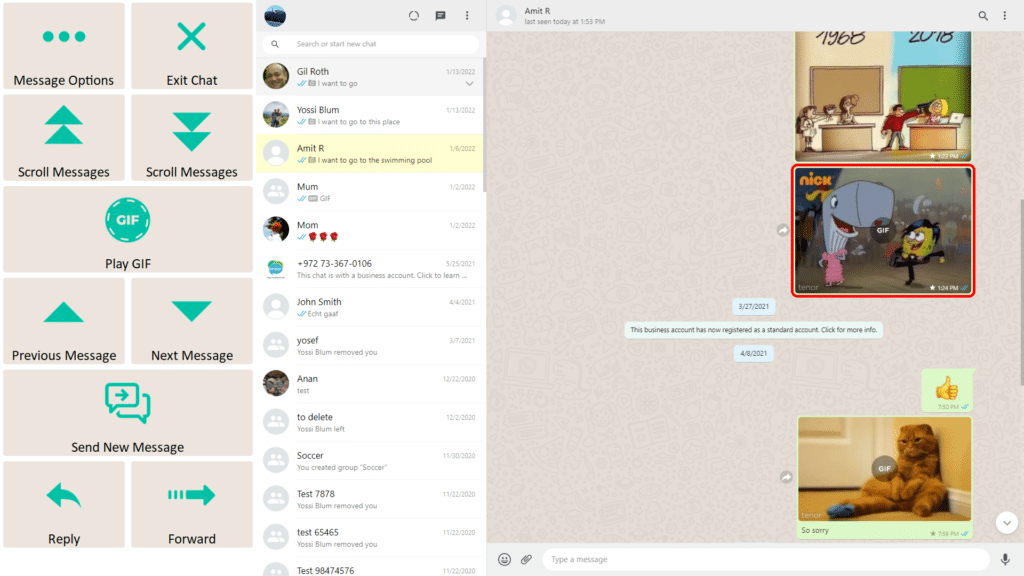
Lock Join-In Pro settings to protect the setup that users rely on every day
Keep the Experience Consistent
Protected Mode prevents accidental changes to Join-In Pro settings and App Explorer. Once enabled, users can confidently explore apps and websites without worrying about unintentionally changing their personalized setup.
By keeping important settings protected, Protected Mode helps create a stable, predictable experience while supporting greater independence and confidence.
Why Use Protected Mode?
Prevent accidental changes to settings and App Explorer
Preserve the user’s personalized setup
Create a more consistent and predictable experience
Support independent exploration with confidence
Ideal for new users, shared devices, schools, and clinics
We value your privacy
We use cookies to enhance your browsing experience, serve personalised ads or content, and analyse our traffic. By clicking "Accept All", you consent to our use of cookies. Cookie Policy
Customise Consent Preferences
We use cookies to help you navigate efficiently and perform certain functions. Manage each category below.
NecessaryAlways Active
Active
Analytics
Metrics like visitors, bounce rate, traffic source, etc.