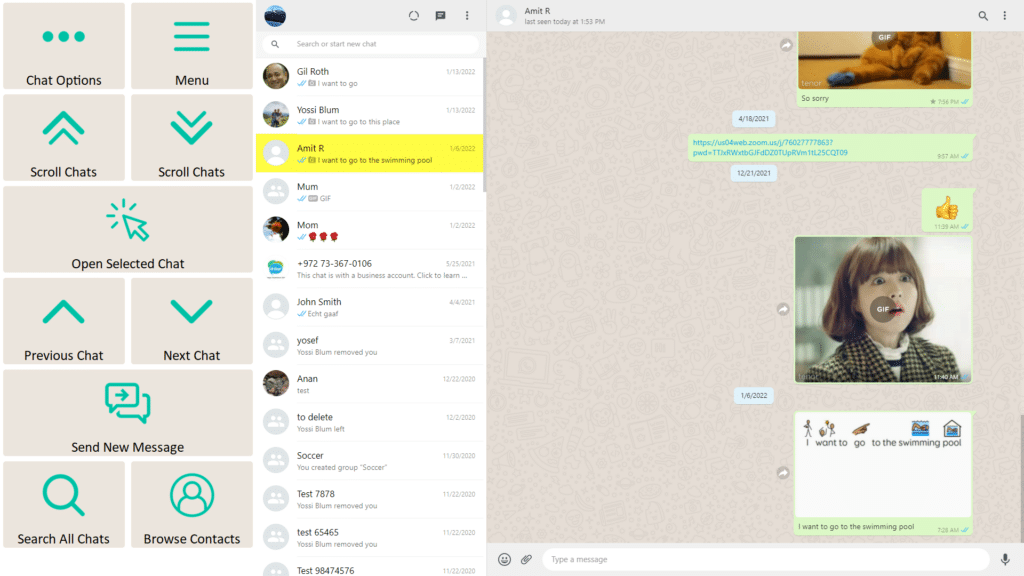
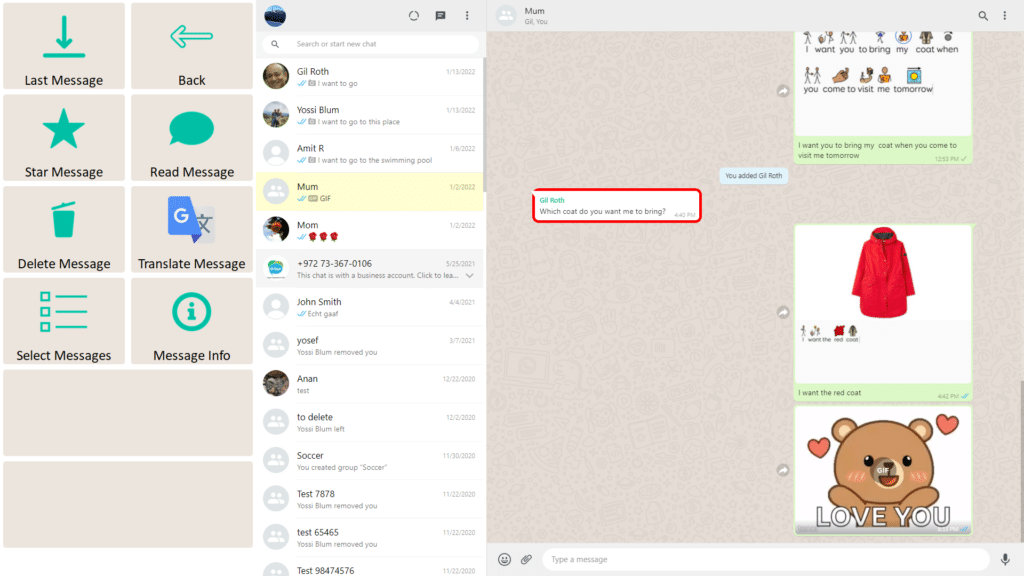
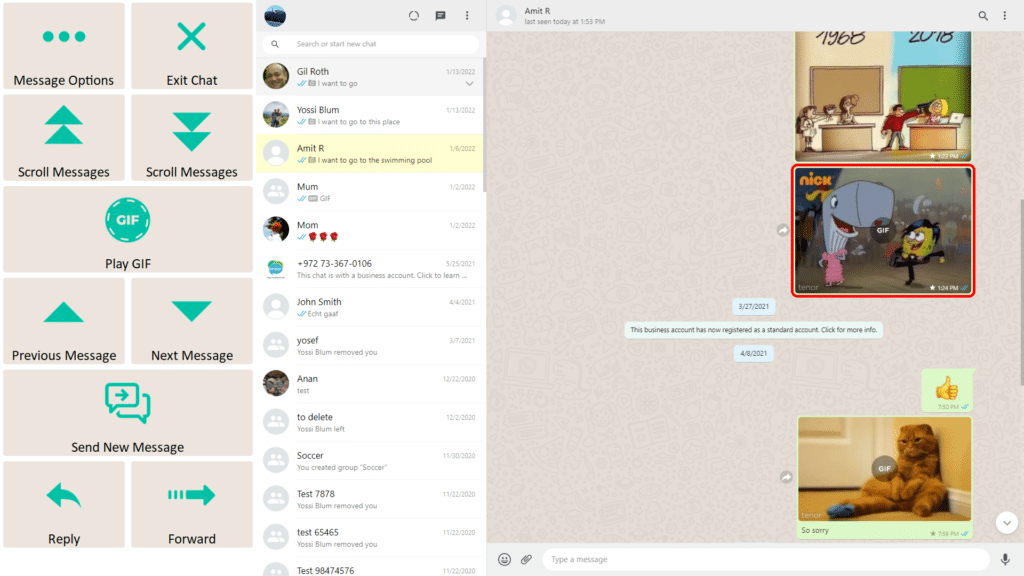
Join-In Pro Assisted Menu (Caregiver Access)

Advanced options for supporters

The Basic toolbar and Join-In Pro Minis include an Assisted Menu that provides therapists, family members, caregivers, and other support people with access to advanced options for assisting the Join-In Pro user.

These functions are intentionally kept separate from the everyday user interface, helping maintain a simple and consistent experience for the user while allowing supporters to make changes or provide assistance when needed.

To prevent accidental access, the Assisted Menu opens with a triple-click, ensuring that advanced options remain available to supporters without interfering with everyday use.

What You'll Find in the Assisted Menu

The Assisted Menu provides access to advanced options that help therapists, caregivers, and family members support the Join-In Pro user.

While some options vary slightly between applications, the Assisted Menu typically includes:

Personalized Content

Manage Favorites such as preferred videos/books/songs, important contacts, pre-stored phrases, and other personalized content.

User Settings

Adjust toolbar settings, font size, color scheme, layouts, Stages, and other user preferences.

Access Tools

Open the keyboard, enable or disable Touch Access, and access other input and accessibility tools.

Utilities

Use common computer controls such as Back, Enter, Esc, Zoom, Volume, Recover, and Close Tab.

App-Specific Tools

Some applications include additional tools designed for that particular activity (e.g., managing liked videos in YouTube).

Understanding Word Lists

Flexible and personalized content
The Word Lists system makes it easy to create, organize, and update personalized content.

Image-supported entries

Add pictures to support recognition and choice-making (when connected to a Join-In Pro account)

Fast editing

Update names, messages, links, or content easily

Automatic image resizing

Images are resized and optimized by the system

Local storage

Content can be saved on the device

Cloud synchronization

Content can sync through a Join-In Pro account

Team updating

Users, caregivers, therapists, and support teams can help keep content current

This helps ensure that stored content remains relevant, meaningful, and easy to access.

Learning Resources

Downloads

Frequently Asked Questions

Can I send voice messages?

Answer

Answer

Answer

Cookie settings
We value your privacy
We use cookies to enhance your browsing experience, serve personalised ads or content, and analyse our traffic. By clicking "Accept All", you consent to our use of cookies. Cookie Policy