Use your familiar communication tools across everyday digital activities
Join-In Pro works alongside Augmentative and Alternative Communication (AAC) systems, allowing people to continue using the communication tools they already know while participating in everyday digital activities.
AAC can be used in two ways within Join-In Pro:
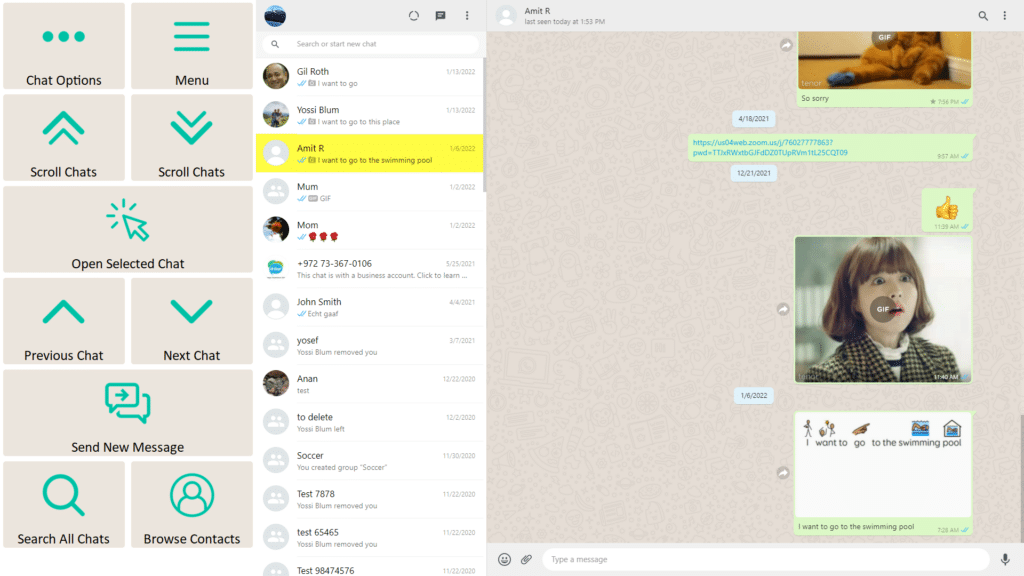
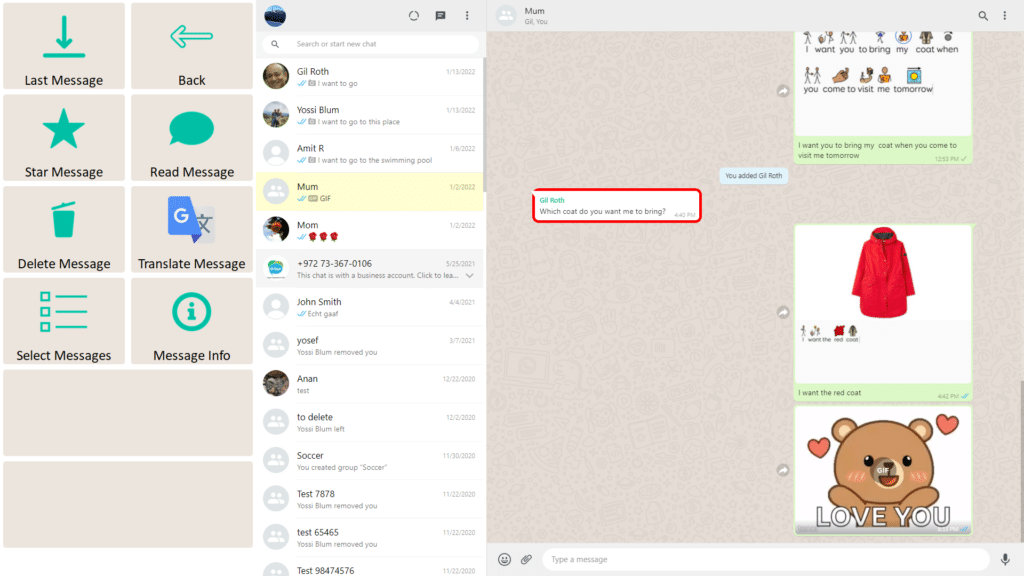
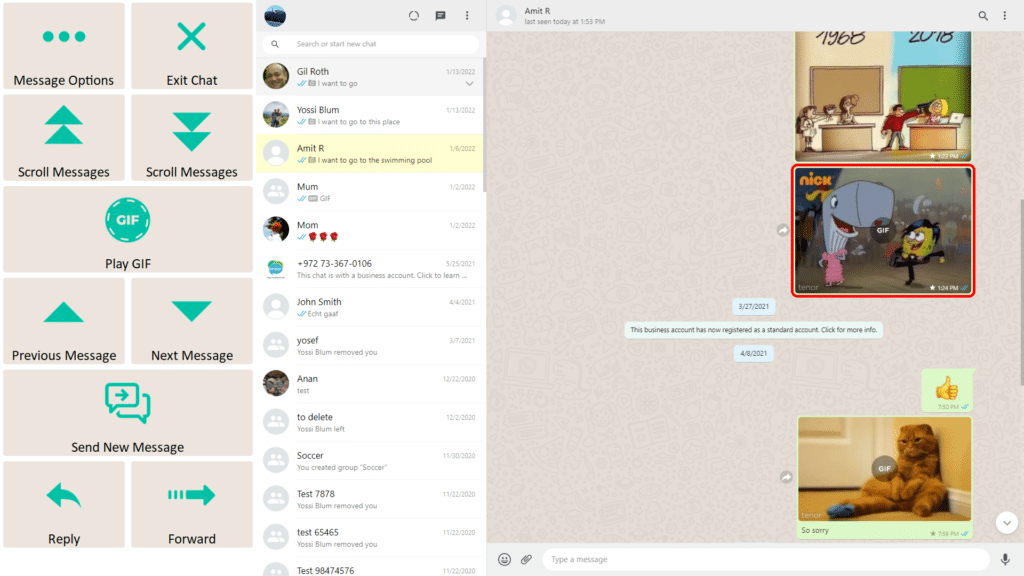
Communicate within apps – Use AAC to send text directly to supported apps for messaging, searching, writing, AI prompts, and other digital activities. Symbol-based AAC users can also send messages with symbols.
Communicate face-to-face – Instantly switch to your AAC system for in-person communication, then return to exactly where you left off in Join-In Pro without losing your place.
Join-In Pro supports both symbol-based and text-based AAC systems, making it possible for people with a wide range of communication needs, access methods, and literacy levels to participate using the tools that work best for them. It extends AAC into everyday digital participation—supporting communication across messaging, learning, work, entertainment, and online life.
Do users need to learn a new communication system?
No. Join-In Pro is designed to work with the AAC software users already know.
Is the AAC software included with Join-In Pro?
No. Join-In Pro integrates with supported AAC software installed on the computer. Join-In Pro communication keyboards are also available for users who do not use dedicated AAC software.
Can users switch between communication and digital activities?
Yes. Users can move between communication and supported apps without restarting or changing their setup.
We value your privacy
We use cookies to enhance your browsing experience, serve personalised ads or content, and analyse our traffic. By clicking "Accept All", you consent to our use of cookies. Cookie Policy
Customise Consent Preferences
We use cookies to help you navigate efficiently and perform certain functions. Manage each category below.
NecessaryAlways Active
Active
Analytics
Metrics like visitors, bounce rate, traffic source, etc.